
APRS: More Than Dots on a Map
Tracking, messaging, and situational awareness through amateur radio
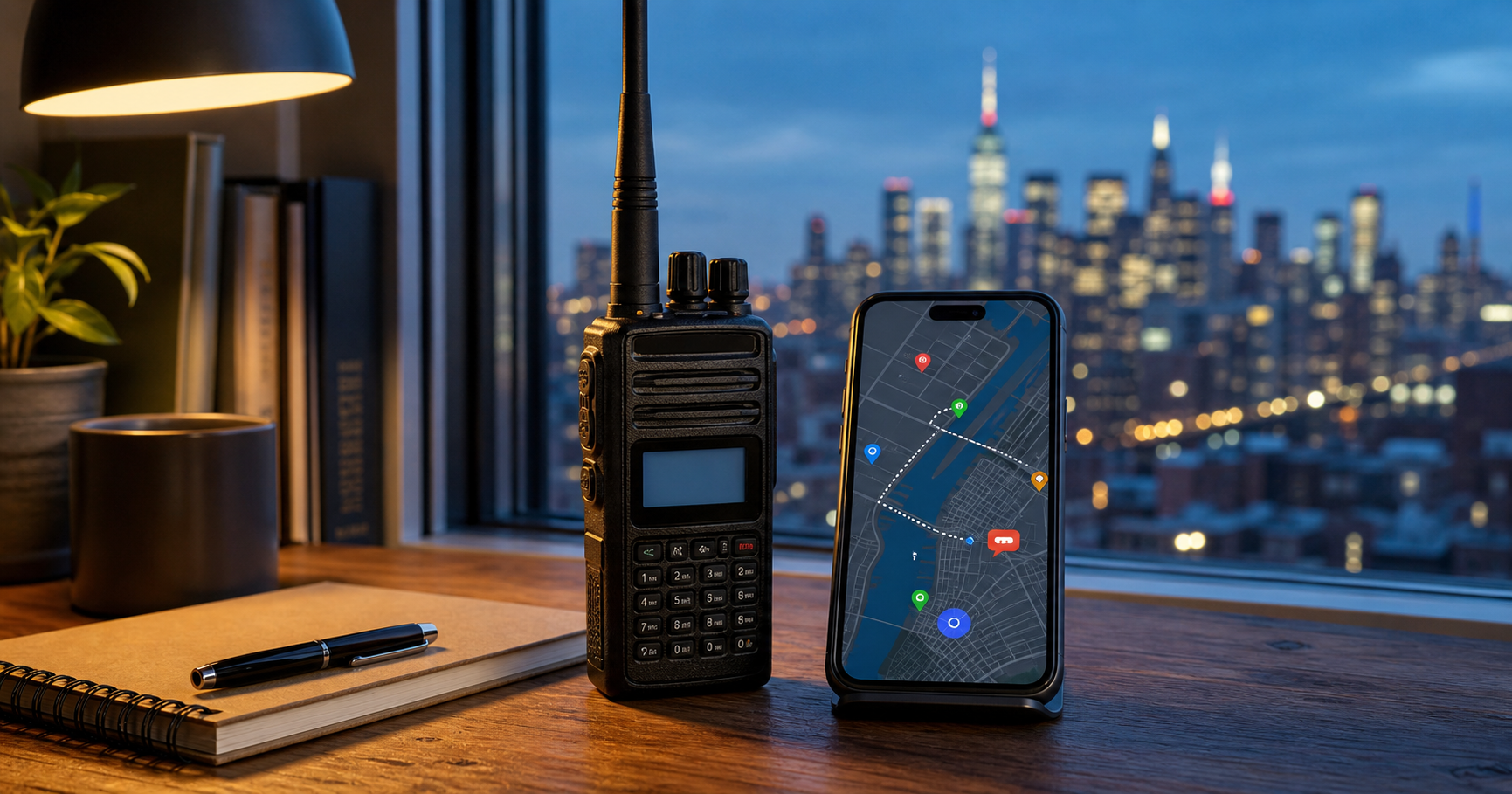
Illustrative image created with AI; equipment and map display are representative of my APRS station.
APRS—the Automatic Packet Reporting System—is often described as a way to track amateur-radio operators on a map. It can certainly do that, but APRS is capable of much more. It is a real-time digital communications system for exchanging locations, messages, weather information, objects, telemetry, alerts, and other useful data.
From my 17th-floor apartment in Brooklyn, I use APRS through several different paths: analog radio, BrandMeister DMR, APRS-IS, and mobile applications. Each method teaches me something different about how information can move through an amateur-radio network.
My particular interest is how APRS can support emergency communications. Knowing where operators, vehicles, shelters, hazards, and other resources are located can help turn scattered reports into useful situational awareness. For me, APRS is not merely another clever feature built into a radio—it is a capability worth learning, practicing, and understanding.
What Is APRS?
APRS was developed by amateur-radio operator Bob Bruninga, WB4APR. Unlike a conventional conversation between two stations, APRS uses short digital packets to share useful information across a network. Those packets may travel over radio frequencies, through internet-connected gateways called iGates, or by a combination of both.
Each APRS station uses a callsign—often followed by a numbered SSID—to identify a particular radio, vehicle, computer, or application. A station can transmit its position along with a symbol, brief status comment, course, speed, altitude, and other information. APRS also supports direct text messaging between stations and the placement of objects such as shelters, checkpoints, incidents, or other locations of interest.
The result is a shared, near-real-time picture of activity within an area. That makes APRS useful for everyday amateur-radio experimentation, public-service events, severe-weather reporting, search operations, and emergency communications.
How I Use APRS
My APRS experimentation involves several radios, applications, and network paths. This allows me to compare traditional APRS transmitted directly over amateur-radio frequencies with position reports and messages carried through internet-connected systems.
My primary APRS radio is the AnyTone AT-D890UV. I use it to transmit analog APRS position beacons on 144.390 MHz and to send location information through the BrandMeister DMR network. I have also experimented with the TIDRADIO TD-H9 as a dedicated analog APRS radio.
On my phone, applications such as the aprs.fi app for Android allow me to transmit, receive, and follow APRS activity through APRS-IS, the internet-connected side of the worldwide APRS network.
Living on the 17th floor has advantages, but operating from inside a Brooklyn apartment also presents challenges. Testing different radios, antennas, applications, and transmission paths helps me understand what works reliably—and what may not—before I ever need APRS in the field.
My APRS Stations
I use several APRS station identifiers to distinguish among my radios, applications, and network paths. Most use numbered SSIDs, while WB2EHG-D is the alphanumeric identifier associated with my digital hotspot. Each identifier represents a particular part of my station:
My Samsung Galaxy S25 Ultra running the aprs.fi app for Android.
My primary handheld for analog APRS position beaconing on 144.390 MHz.
A dedicated analog APRS handheld used for testing and experimentation.
WB2EHG-10 — BrandMeister DMR APRS
Fixed-position APRS reports sent through the BrandMeister network using my AnyTone D168UV.
The APRS station identifier associated with my digital hotspot.
APRS symbol artwork: aprs.fi symbol set by OH7LZB
How my APRS setup connects Brooklyn to the wider APRS network. Click the image for a full-size view and a closer look at the packet details.
APRS Nets I Check Into
APRS is also a way for amateur radio operators around the world to gather, exchange messages, and participate in scheduled check-ins. I regularly take part in several APRS-based nets:
APRS Sunday — APRSMY Malaysia APRS Net
A weekly APRS net hosted by the Malaysian APRS community.
Visit the APRSMY website
Tuesday — SARES Net
A weekly APRS net with check-ins recorded through the Hamfinity net dashboard.
Visit the SARES Net dashboard
Thursday — APRS Thursday
A worldwide weekly APRS activity encouraging operators to beacon, exchange messages, and make contacts through the APRS network.
Visit APRS Thursday
These nets give me another way to stay active on APRS, connect with operators beyond my local area, and explore APRS as more than simply a position-reporting system.
See my APRS Net Check-In Cards
View the cards I’ve received for participating in APRS nets and weekly check-in events.
Beyond Position Tracking
Position reporting may be the most visible feature of APRS, but it is only one part of the system. APRS stations can exchange short text messages, announcements, bulletins, weather reports, telemetry, and other useful information in near real time.
Operators can also place objects on the map to identify shelters, checkpoints, repeaters, hazards, event locations, or other resources. During a public-service event or emergency, these objects can help everyone develop a clearer picture of what is happening and where assistance may be needed.
I have experimented with APRS messaging and services such as ANSRVR, QRX, MPAD, and Winlink interaction. These tools demonstrate how a simple packet can request information, reach a group of operators, leave a message for later delivery, or connect APRS with another communications system.
That is what fascinates me most about APRS. It is not simply a collection of moving icons—it is a shared information network that amateur-radio operators can explore, adapt, and put to practical use.
APRS On the Air
APRS OTA extends APRS beyond simple position reporting by using over-the-air APRS messaging for hosted operations, chases, QSOs, and interaction with the OTA bot. Operators can use commands such as CQ, CHASE, and HOST directly through APRS, and the service also provides live information about active operations.
What I like about APRS OTA is that it turns APRS into something more participatory. Instead of simply seeing stations appear on a map, operators can announce activity, find other stations to work, exchange short messages, and take part in an ongoing on-air community built around APRS.
I also use the APRS OTA API to bring live APRS activity into WB2EHG.radio. Because the API is designed for server-side use rather than direct browser access, my site retrieves the data through a secure relay before displaying it on the dashboard.
APRS OTA contacts can also be logged like other amateur-radio QSOs. QRZ accepts these contacts using PKT as the mode, reflecting the packet-radio nature of the exchange. APRS OTA can also generate downloadable ADIF log files, which can be imported into QRZ for operators who prefer not to enter each contact manually.
Learn more:
Visit APRS OTA →
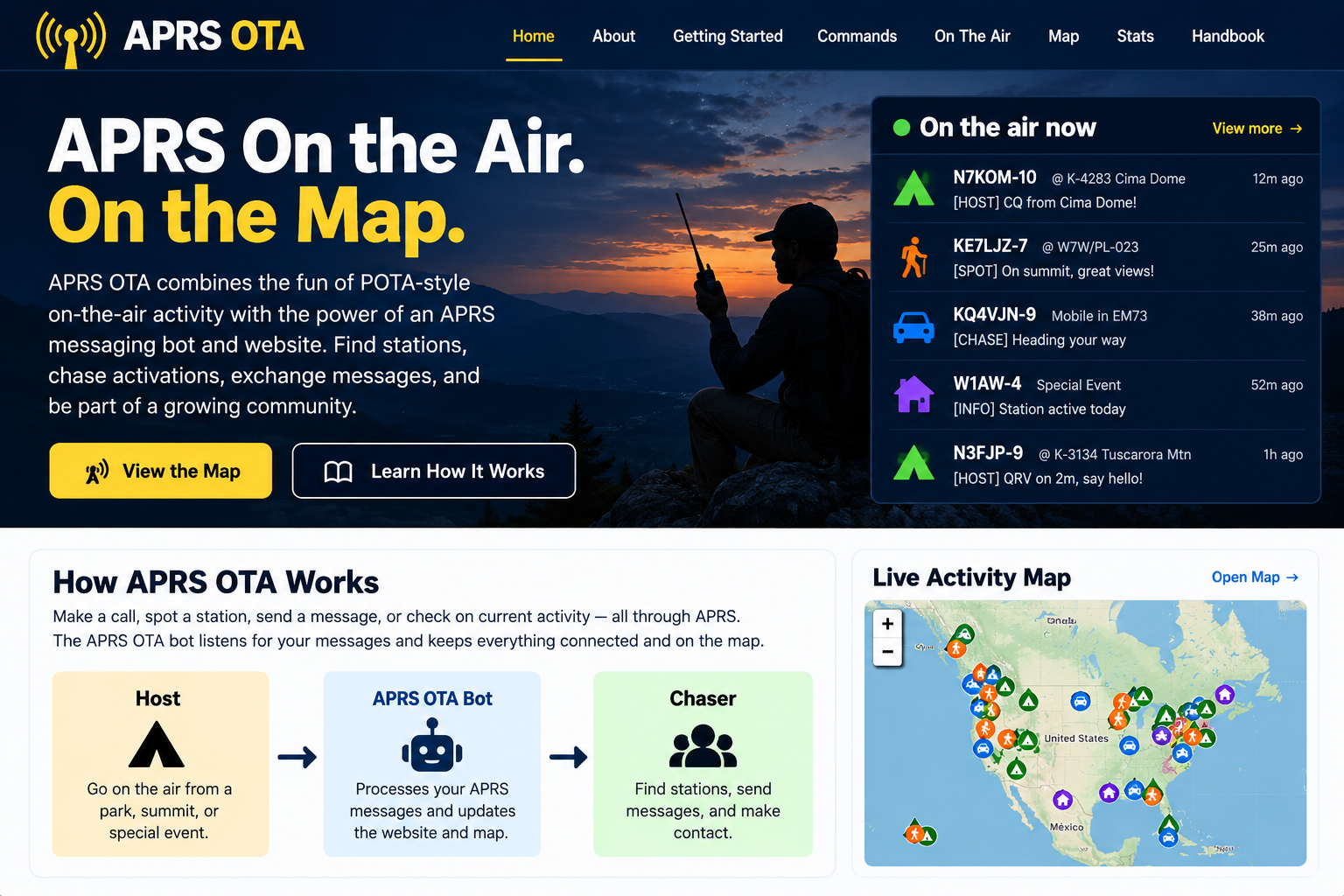
APRS OTA overview:
An illustrative look at live activity, station mapping, and APRS-based hosting and chasing. Click the image for a full-size lightbox view.
One of the more interesting APRS services I’ve experimented with is DMWGPT, which lets an amateur radio operator send a question through APRS messaging and receive an AI-generated response back over the APRS network.
The exchange works much like any other APRS message. I send a short request to the service, and the reply comes back as one or more APRS messages. Because APRS messages are short, longer answers may arrive in several parts.
This is a fun example of how APRS can act as more than a tracking system. A simple packet-radio message can become a gateway to useful information without needing a web browser at the radio end.
As with all APRS traffic, messages should be treated as public, in-the-clear communications. I would not send passwords, private information, medical details, or anything else I would not want transmitted openly over amateur radio.
My test worked successfully from WB2EHG, demonstrating that an APRS station can send a plain-text question and receive an AI-generated answer through the APRS network.
Learn more:
DMWGPT / APRS Agent →
APRS Meets AI: DMWGPT
DMWGPT in action:
AI-generated replies delivered over APRS messaging. Click the image for a full-size lightbox view.
APRS and Emergency Communications
My interest in APRS is closely connected to my interest in emergency communications. During an incident, voice radio remains essential, but spoken reports can be difficult to organize and easy to forget. APRS adds a visual layer by showing where operators, vehicles, shelters, checkpoints, hazards, and other resources are located.
Position reports can help a communications team understand where its people are deployed. Objects can mark important locations, while short messages and bulletins can distribute information without occupying a voice channel. Weather reports and telemetry can add still more detail to the common operating picture.
APRS is not a replacement for disciplined voice communications, formal message handling, or the Incident Command System. It is another tool—one that can support situational awareness when operators understand its capabilities, limitations, and network coverage.
That is why I continue to experiment with APRS before it is needed. Emergency communications equipment and procedures should be tested, practiced, and understood under ordinary conditions—not discovered for the first time during an emergency.
Follow WB2EHG Live
See where my APRS stations are reporting from, explore the radios and network paths behind them, and follow live APRS OTA activity heard by my station in Brooklyn.