
DMR: Brooklyn to the World
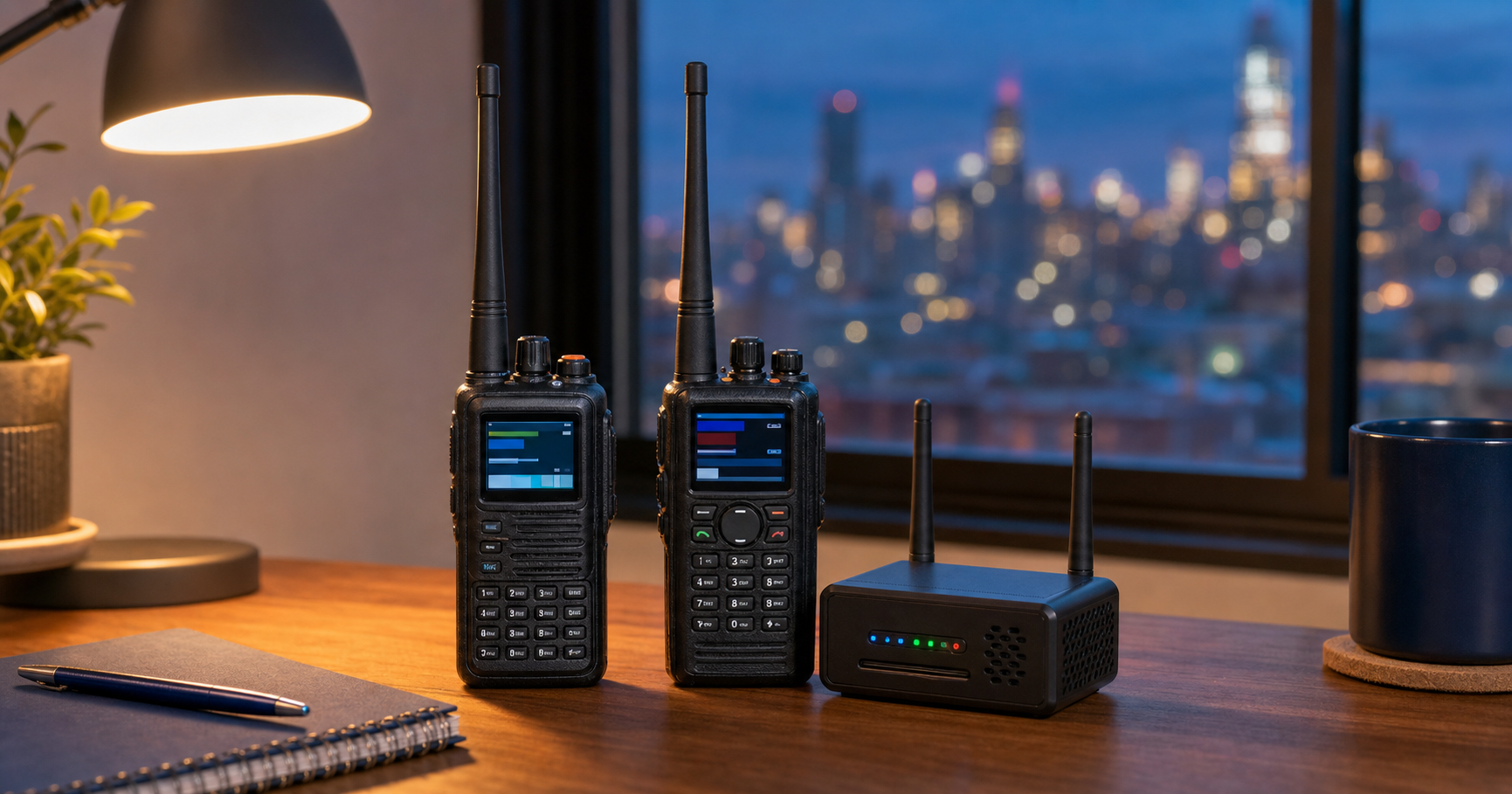
Illustrative image created with AI; equipment shown is representative of my DMR station.
Digital Mobile Radio has become one of my favorite ways to enjoy amateur radio. From my station seventeen floors above Brooklyn, DMR allows me to connect with fellow amateur-radio operators across New York City and around the world using handheld radios, local repeaters, and my personal hotspot.
What appeals to me most is the extraordinary reach DMR can provide from a relatively modest station. One moment I may be talking with someone nearby; the next, I may be having a conversation with an operator in Europe, Asia, or halfway around the planet. DMR combines traditional radio with modern digital networking—but at its heart, it is still about the same thing amateur radio has always been about: people making connections.
What is DMR?
DMR stands for Digital Mobile Radio. Instead of transmitting my voice as a continuous analog signal, a DMR radio converts it into digital information. That digital signal travels by radio to a compatible repeater or personal hotspot, where it can be routed through an Internet-connected network to other amateur-radio operators.
The result is clear digital audio and access to individual operators, local groups, regional networks, and worldwide talkgroups. Although the technology behind DMR can seem complicated at first, using it eventually becomes much like choosing a channel and making a call. The radios and networks may be digital, but the conversation—and the spirit of amateur radio—remain thoroughly human.
How I use DMR
I use DMR through both local repeaters and my HamSpot 5 personal hotspot. Repeaters connect me with operators throughout New York City and the surrounding area, while the hotspot gives me reliable access to the wider DMR world from inside my Brooklyn apartment.
Some days I check into a regular net or join friends on a reflector. Other times I listen or call on worldwide talkgroups, where I have enjoyed conversations with operators across Europe, Asia, North America, and beyond. Whether the contact is local or thousands of miles away, I approach DMR the same way I approach every part of amateur radio: listen first, identify properly, and enjoy the people I meet along the way.
My DMR Equipment
My primary DMR handheld is the AnyTone AT-D890UV, a versatile dual-band radio that I use for DMR, analog FM, and APRS. My AnyTone D168UV serves as a secondary DMR radio, giving me another dependable option for monitoring talkgroups, joining nets, and making contacts.
At home, my HamSpot 5 personal hotspot provides a reliable connection to the DMR network when reaching a local repeater from inside my apartment is difficult. Together, these radios and the hotspot form a compact station that allows me to enjoy local, regional, and worldwide communication without needing a large antenna system.
Finding WB2EHG on DMR
My amateur-radio callsign is WB2EHG, and my DMR ID is 3212033. I operate primarily through the BrandMeister network, using local repeaters or my HamSpot 5 personal hotspot from Brooklyn.
You may hear me checking into a net, joining friends on a reflector, or calling on a worldwide talkgroup. I am not always monitoring, but if you hear WB2EHG on the air, please feel free to say hello. One of the best parts of DMR is never knowing where the next conversation may lead—or who might answer from the other side of the world.
DMR and Emergency Communications
DMR can play a useful role in emergency communications by providing clear digital voice, organized talkgroups, and the ability to connect operators across a wide area. During an incident, these features can help separate different functions, reduce congestion, and support coordination among participating stations.
Like any Internet-linked system, however, DMR networks and personal hotspots depend on infrastructure that may not always remain available during an emergency. For that reason, I view DMR as one tool in the communications toolbox—not a replacement for conventional radio systems. Effective emergency communication requires flexibility, preparation, and the ability to use whichever mode still works when it is needed most.
Getting Started with DMR
Getting started with DMR can feel intimidating because there are several unfamiliar terms to learn. A codeplug is simply the collection of channels, talkgroups, contacts, and other settings programmed into the radio. Talkgroups determine which group of operators you will hear and speak with, while color codes and time slots help the radio communicate through a particular repeater.
The easiest way to begin is with one radio, a properly prepared codeplug, and a local repeater or personal hotspot. Start by listening, learn how your radio changes talkgroups, and make your first call when you feel comfortable. DMR has a learning curve, but it becomes much easier once the terminology begins to make sense—and there is an entire community of amateur-radio operators willing to help.
Useful DMR Resources
These websites offer helpful information for exploring DMR, registering an ID, finding repeaters, and managing a personal hotspot:
BrandMeister Network — View talkgroups, repeaters, hotspots, activity, and network information.
BrandMeister Wiki — Learn more about using and configuring the BrandMeister network.
RadioID.net — Register for a DMR ID or search the worldwide amateur-radio ID database.
RepeaterBook — Find DMR and analog repeaters by location.
WPSD User Manual — Guidance for configuring and operating WPSD-based personal hotspots.