
New Ham Guide:
Your First Repeater Contact
A Beginner’s Guide to Using Amateur Radio Repeaters
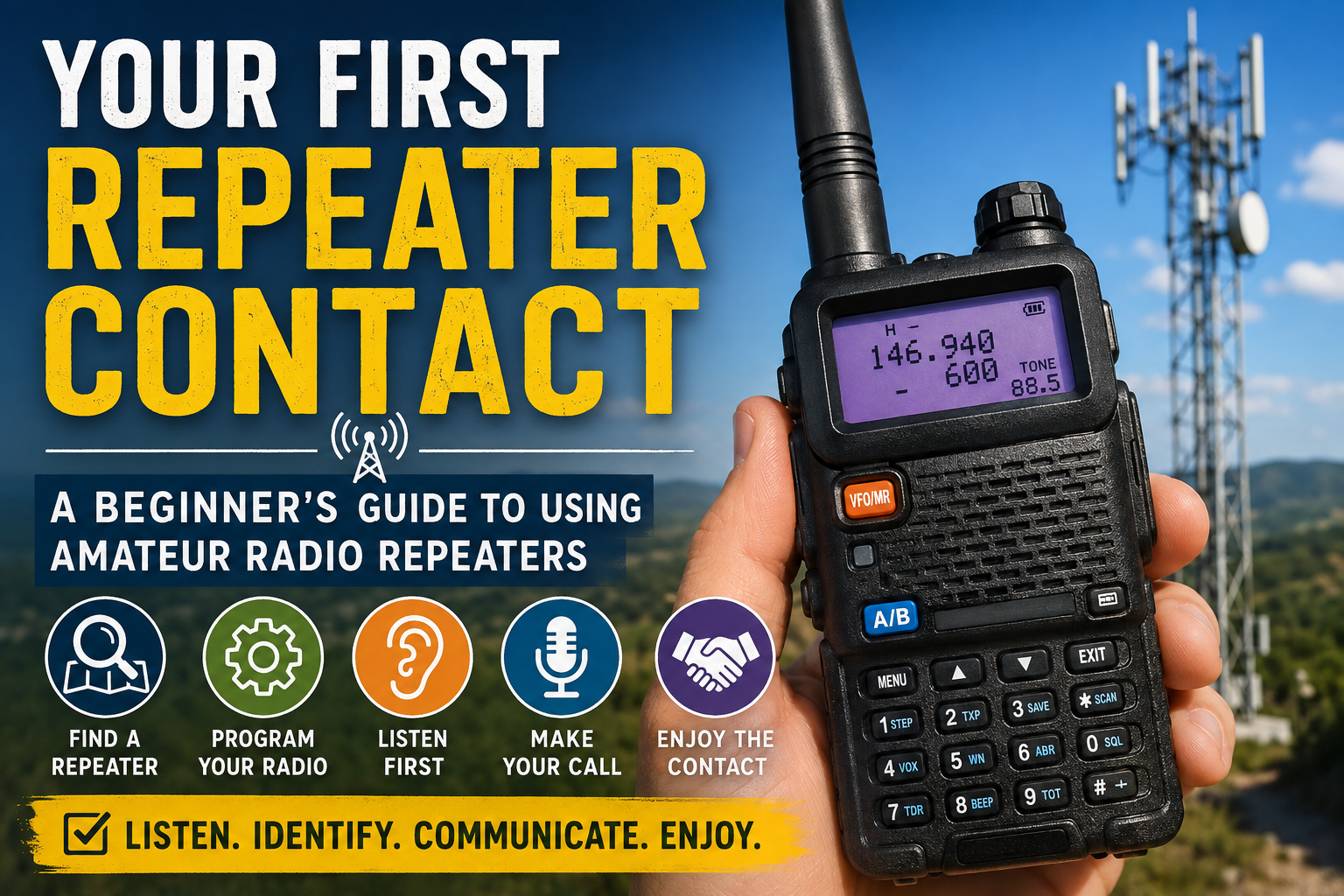
Making your first contact through a repeater can feel intimidating, but it does not have to sound polished or perfect. Every experienced operator was new once, and most hams are happy to hear a new voice on the air. I still sometimes pre-write what I want to say before keying the microphone, especially when I want to make sure I include the important details. With a little preparation, a clear callsign, and a willingness to listen first, you can make that first call with confidence.
What a Repeater Does
A repeater is a radio station that receives your signal on one frequency and retransmits it on another. Repeaters are often installed on tall buildings, towers, or mountaintops, where their height allows them to cover a much larger area than a handheld radio could reach on its own.
When you transmit to a repeater, your radio sends on the repeater’s input frequency. The repeater then rebroadcasts your voice on its output frequency, which is the frequency everyone listens to. Your radio handles this switching automatically when the repeater channel is programmed correctly.
Repeaters make it possible for operators using handheld or mobile radios to communicate across a neighborhood, a city, or sometimes an even larger region. They are commonly used for everyday conversations, scheduled nets, public-service events, and emergency communications.
How to Find a Local Repeater
The easiest way to find repeaters near you is to use an online repeater directory or a repeater-finder app. I use RepeaterBook, which lets you search by location and usually provides the repeater’s output frequency, offset, access tone, location, and other useful notes.
Start by searching for repeaters in your city, county, or ZIP code. Choose one that supports the bands your radio can use, such as 2 meters or 70 centimeters. A nearby repeater is often the best place to begin, but distance alone does not guarantee that you will be able to reach it. Buildings, terrain, antenna height, and your radio’s power all affect coverage.
Once you find a promising repeater, enter its frequency, offset, and tone into your radio or programming software. Then listen for a while before transmitting. You may hear regular conversations, station identifications, or a scheduled net. Listening first helps you learn how the repeater is used and confirms that you have programmed it correctly.
Understanding Frequency, Offset, and Tone
To use a repeater, your radio needs three basic pieces of information: the repeater’s frequency, its offset, and its access tone.
The frequency listed in a repeater directory is usually the repeater’s output frequency—the frequency you listen to. When you press the push-to-talk button, your radio automatically shifts to the repeater’s input frequency. The difference between those two frequencies is called the offset.
On the 2-meter band, the standard offset is usually 600 kHz. On the 70-centimeter band, it is usually 5 MHz. The offset can be positive or negative, depending on whether your radio transmits above or below the listed frequency.
Many repeaters also require an access tone, often called a CTCSS or PL tone. This is a low-frequency tone sent along with your voice that tells the repeater to open and retransmit your signal. Some repeaters use DCS instead. Your repeater directory should show which tone or code is required.
Most modern radios can set the offset and tone automatically when a repeater frequency is entered, but it is still worth checking the settings. If you can hear the repeater but it does not respond when you transmit, an incorrect offset or tone is often the reason.
Listen Before You Transmit
Before pressing the push-to-talk button, spend a little time listening. This helps you confirm that the repeater is active, that your radio is programmed correctly, and that you are not interrupting an ongoing conversation.
If you hear people talking, wait for a clear pause before transmitting. Repeaters often have a short courtesy tone or beep after someone finishes speaking. That tone usually signals that the repeater has reset and another operator may respond.
Listening also helps you learn the rhythm of the repeater. Some are busy and conversational, while others may be quiet except during scheduled nets or commuting hours. You may also hear the repeater identify itself with a callsign or automated message.
If the repeater is quiet, listen for a minute or two before making your call. Silence does not necessarily mean nobody is monitoring. Many operators listen without speaking and may respond when they hear a new station.
How to Know You Are Reaching the Repeater
Before calling for another operator, it helps to confirm that your signal is actually reaching the repeater.
Press the push-to-talk button briefly, say your callsign, and release it. If you are reaching the repeater, you may hear a short burst of audio, a courtesy tone, or the repeater’s carrier remain active for a second or two after you stop transmitting. This is often called the repeater’s “tail.”
Some repeaters may also respond with an automated station identification. Others have very short tails or no courtesy tone, so the response may be less obvious.
Watch your radio’s signal meter when you release the push-to-talk button. If the repeater comes back on the air, the meter should show a received signal. Using an earpiece can make the courtesy tone easier to hear.
If your radio has dual-watch capability, or if you have a second radio, you may also listen to the repeater’s output frequency while transmitting. Be careful to keep the radios apart and use low volume to prevent feedback.
Hearing the repeater respond means you are probably reaching it, but it does not guarantee that your voice is clear. Your signal may still be weak, noisy, or difficult to understand. The best confirmation is a signal report from another operator.
If you hear nothing after transmitting, check the offset, access tone, frequency, power level, and antenna connection. Moving closer to a window, stepping outside, or trying from a higher location may also help.
Making Your First Call
When the repeater is clear, press the push-to-talk button, pause for a moment, and then speak clearly. That brief pause gives the repeater time to activate before you begin talking.
A simple first call might sound like this:
“WB2EHG monitoring.”
You can also say:
“WB2EHG, new operator, listening.”
Then release the button and wait. If someone responds, give your callsign again and introduce yourself. You do not need a formal speech. Your name, general location, and the fact that you are new to the repeater are usually enough to begin.
I sometimes write down what I want to say before transmitting, especially when I am trying a new repeater or want to remember a particular detail. There is nothing wrong with using notes. The goal is clear communication, not improvisational theater.
If nobody answers, wait a minute and try once more. After that, let the repeater rest and try again later. A quiet repeater does not mean you did anything wrong; there simply may not be anyone listening at that moment.
Basic Repeater Etiquette
Repeater conversations are usually relaxed, but a few simple habits help keep things clear and courteous.
Always identify with your callsign as required, including at the end of your conversation. During a longer exchange, repeat your callsign periodically so listeners know who is speaking.
Leave a brief pause between transmissions. This gives the repeater time to reset and allows another operator to break in with urgent traffic or join the conversation. Avoid keying up immediately after someone releases the button.
Keep your transmissions reasonably brief, especially on a busy repeater. You do not have to rush, but remember that the repeater is a shared resource.
Do not interrupt an active conversation unless you have something relevant to add or need to pass urgent traffic. To join politely, wait for a pause and give your callsign. The operators already talking can then invite you into the conversation.
Be respectful and avoid language or topics that are inappropriate for a public radio system. Anyone may be listening, including families, new operators, and people using scanners.
When you are finished, let the other operator know you are signing off and give your callsign. A simple closing such as “Thanks for the contact. WB2EHG clear” is perfectly fine.
What to Do If Nobody Answers
If nobody responds to your call, do not assume that your radio is programmed incorrectly or that you did something wrong. Many repeaters are quiet for long stretches, even when several operators are listening.
Wait a minute or two, then try once more with your callsign and a little more context. For example:
“WB2EHG monitoring and looking for a signal report.”
That gives listeners a clear reason to respond. You can also mention that you are a new operator or that you are testing your radio.
If there is still no answer, try again at a busier time of day. Commuting hours, evenings, and scheduled net times often bring more activity. RepeaterBook listings, club websites, and local amateur radio groups may show when regular nets are held.
You can also try another nearby repeater. Some repeaters cover a large area but have very little day-to-day activity, while another only a few miles away may be much busier.
Most importantly, do not take silence personally. Calling into a quiet repeater can feel awkward, but every operator has done it. Sometimes the airwaves are simply having one of their quieter moods.
Your First Repeater Contact Checklist
Confirm that you are on the correct repeater frequency.
Check that the offset direction and amount are correct.
Make sure the required CTCSS tone or DCS code is enabled.
Listen first to be certain the repeater is not already in use.
Briefly transmit your callsign and listen for the repeater’s courtesy tone or tail.
Decide what you want to say. Writing down a few notes is perfectly fine.
Press the push-to-talk button, pause briefly, and then speak clearly.
Give your callsign and let listeners know you are monitoring or looking for a contact.
Release the button and give others time to respond.
If nobody answers, wait a minute and try once more.
At the end of the conversation, thank the other operator and identify with your callsign.
Your first repeater contact does not need to be flawless. The important part is to listen, identify properly, communicate clearly, and enjoy being on the air.